

Upscale on your PC. Nothing leaves it.
Upsclr is a free AI image upscaler for Windows. Drop a photo, pick a model and scale, and get a sharper version from your own GPU. Your photos never leave your computer.
Free · 350 MB · Windows 10 and 11, 64-bit
 Source, ¼ res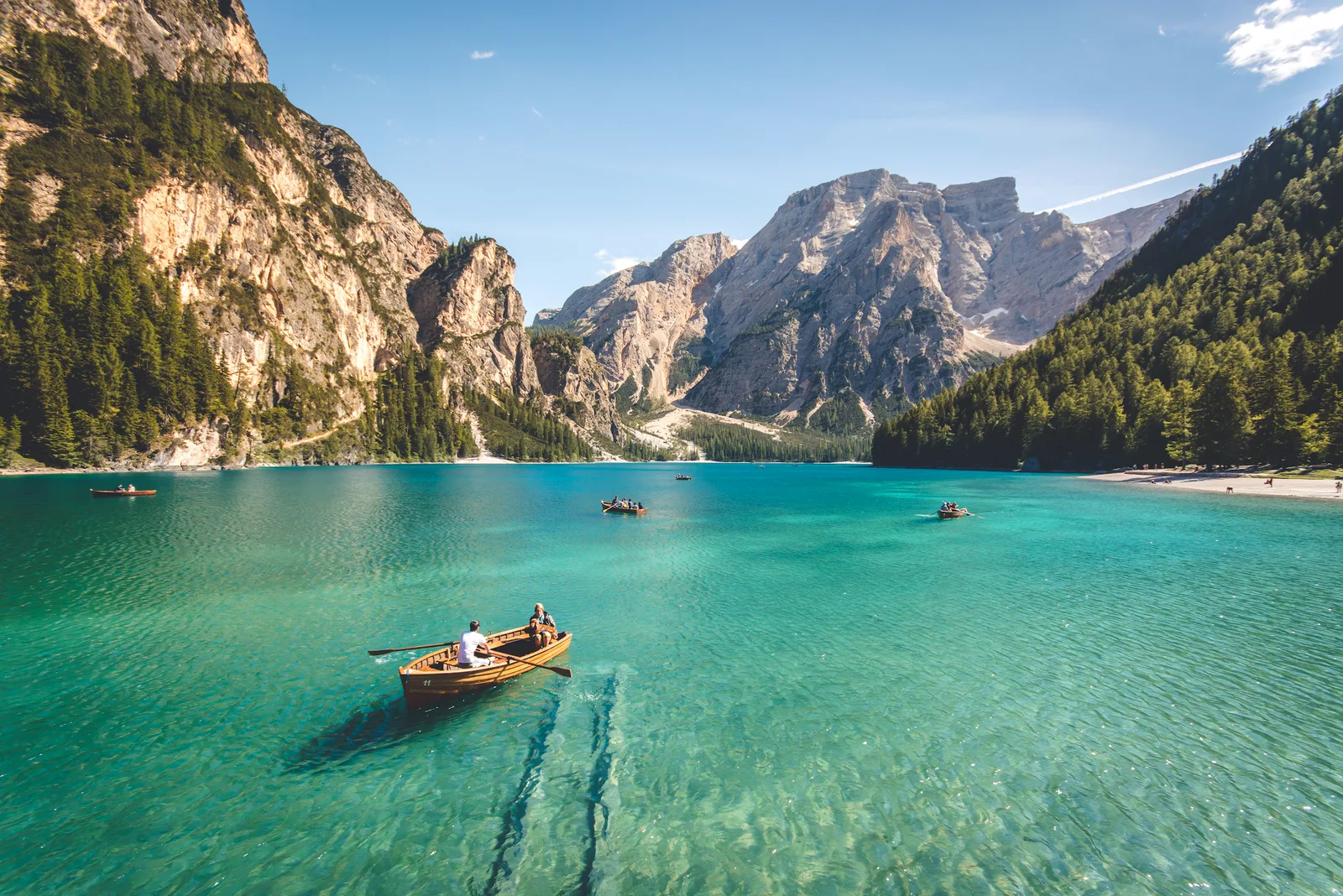
- Done
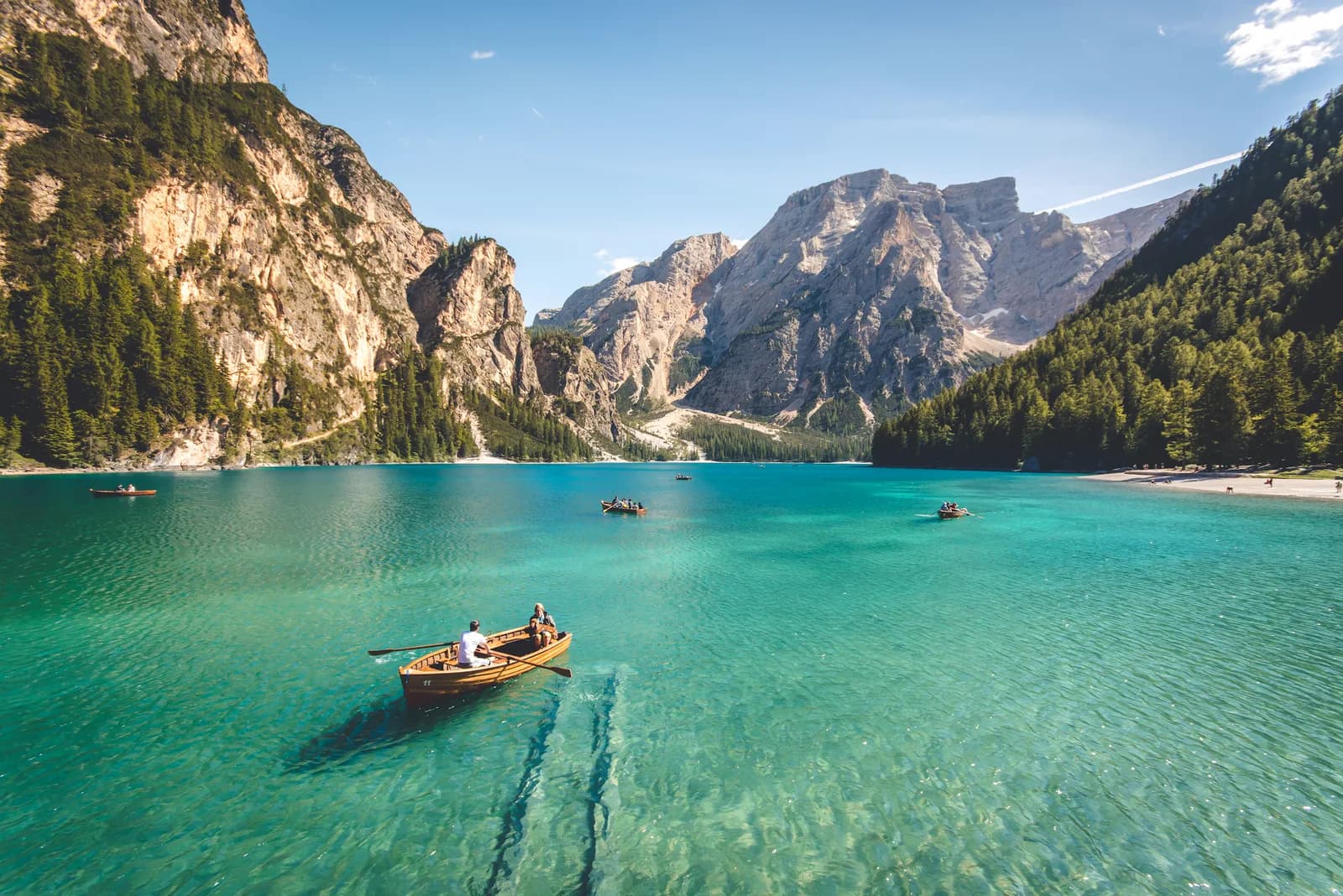
cabin-lake.jpg - Done
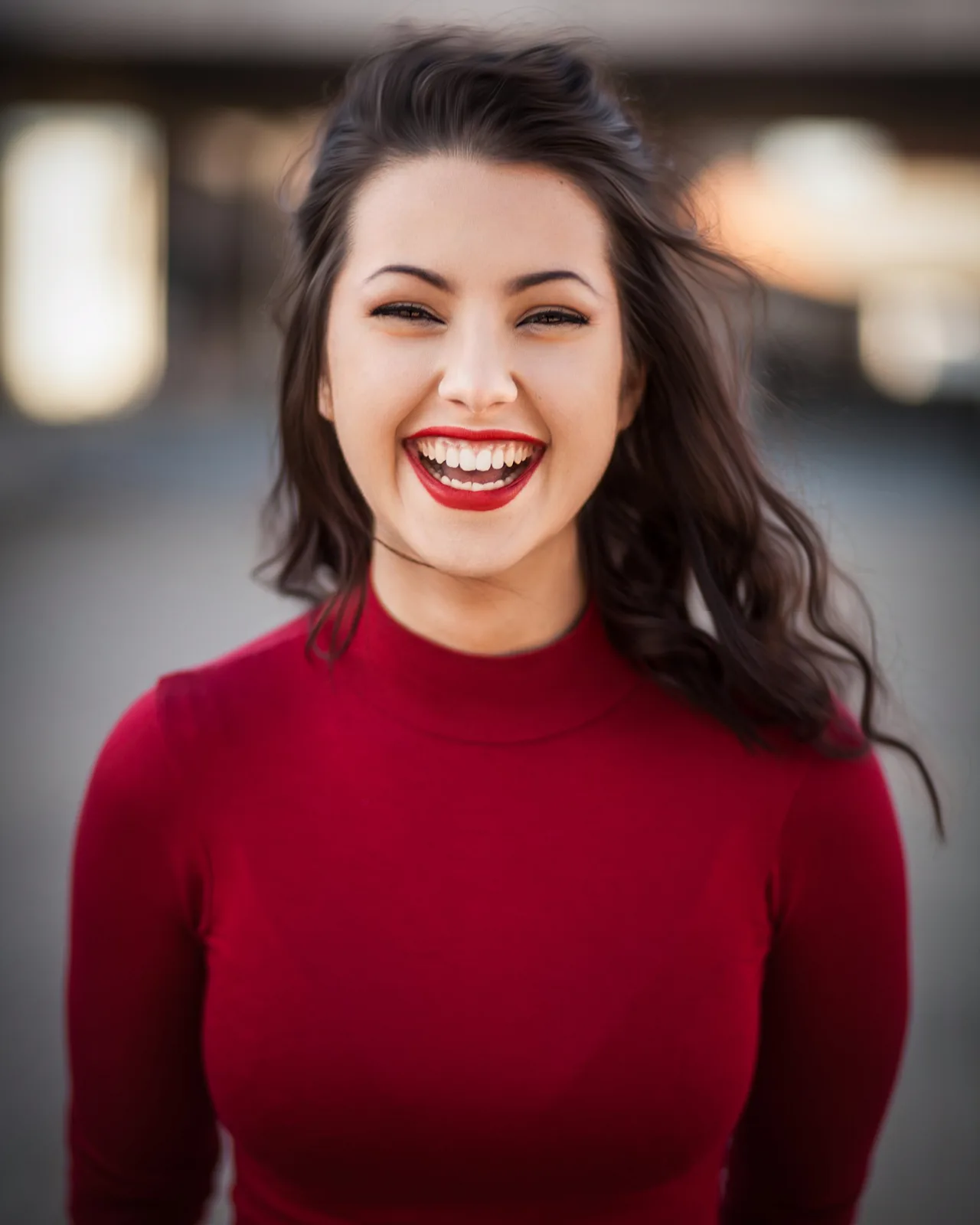
portrait-scan.jpg - Working
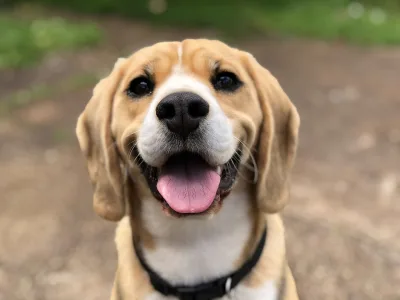
biscuit-phone.jpg - Drop an image or folder
Your images stay on your PC
Upsclr reads images from your folder, runs the model on your GPU or CPU, and writes the result back to your folder. Nothing is uploaded, ever.
No upload. Your images and results never leave this PC.
No cloud processing. The model runs on your own GPU or CPU.
No account. Nothing to sign in to, nothing tied to you.
Works offline. Upscaling needs no connection; unplug and it still runs.
No credits, limits, or tiers. It is free, for any number of images.
- Your folder
- Your GPU or CPU
- Your folder
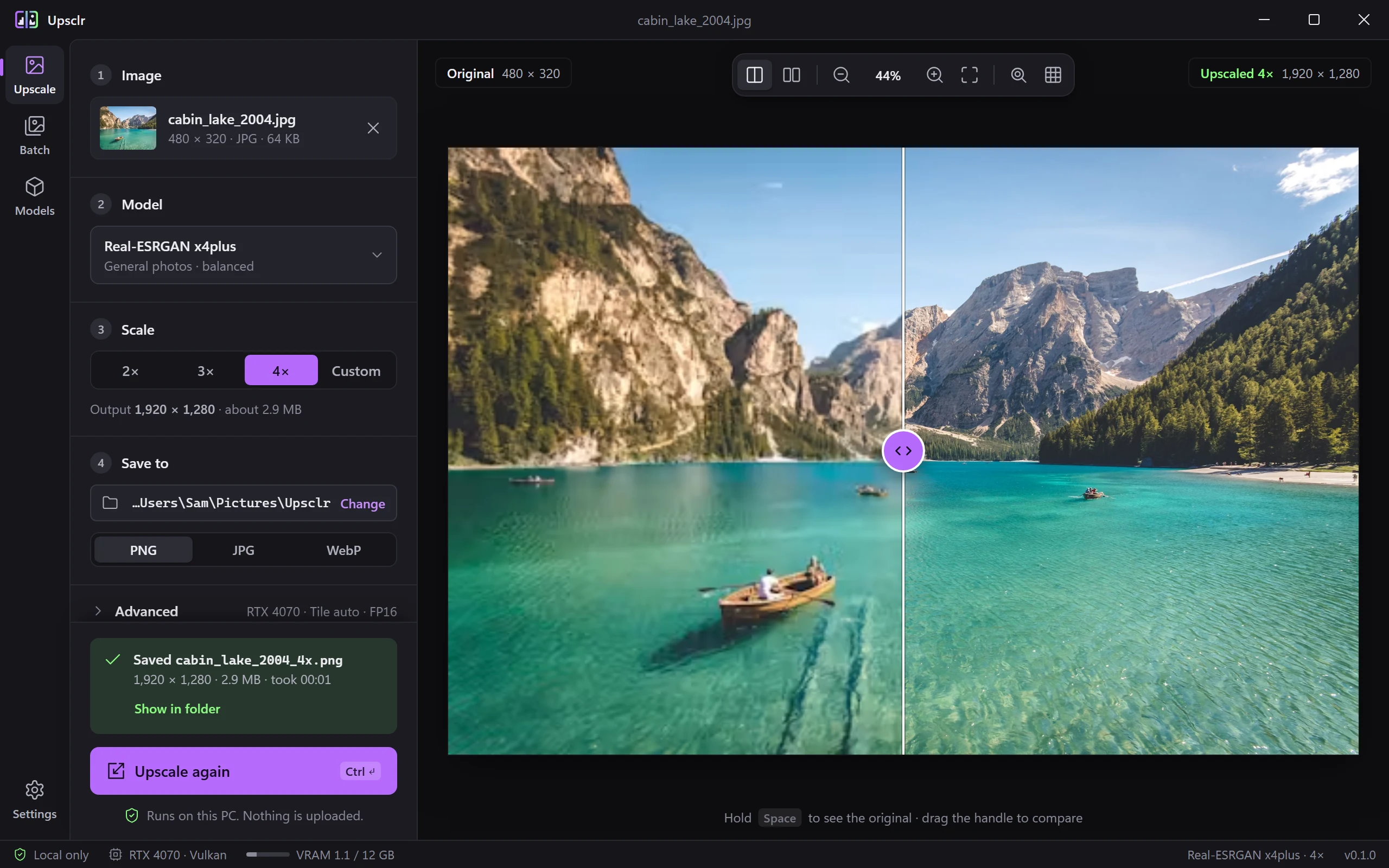
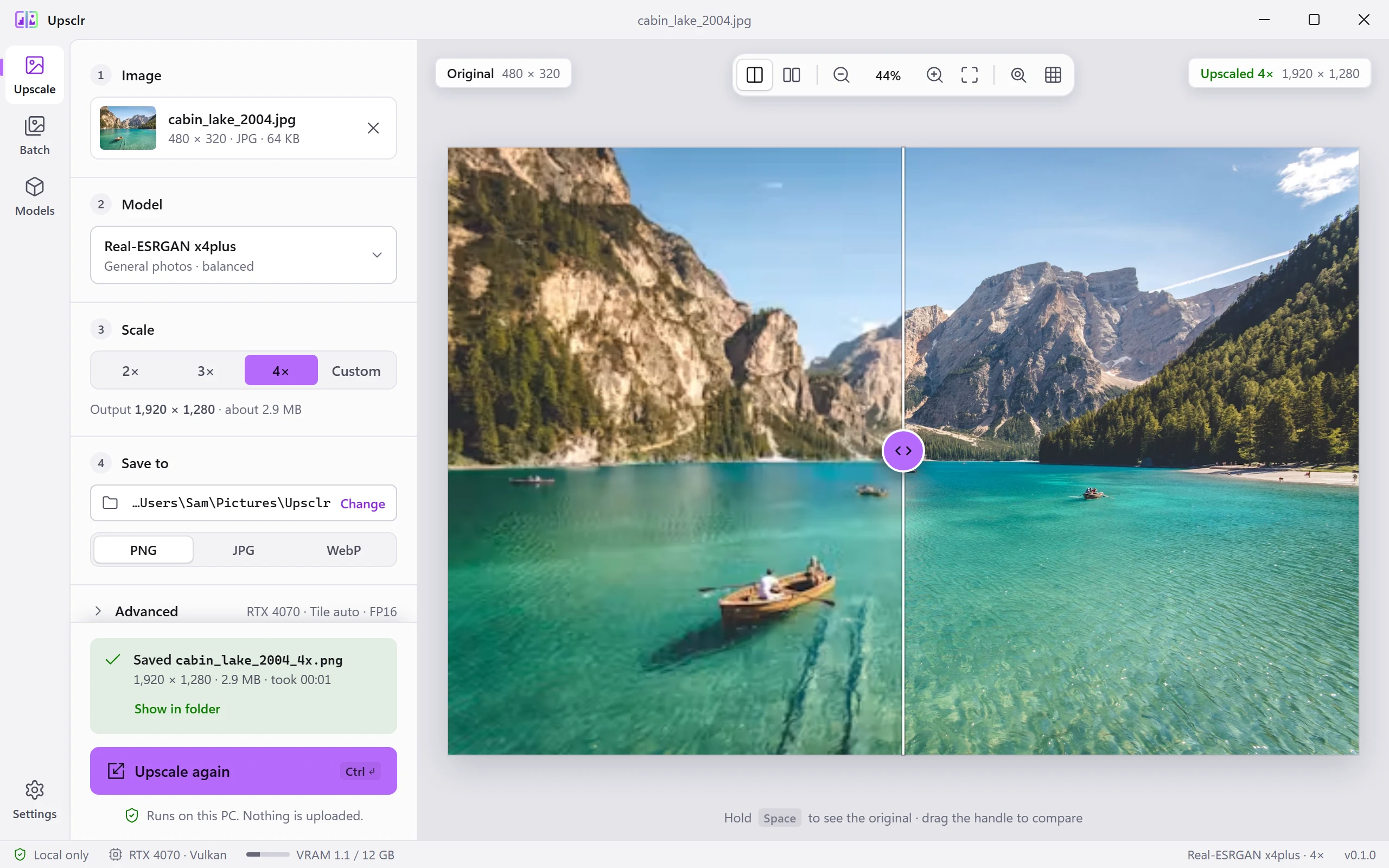
Four steps, one window
- ImageDrop a file or folder, or pick one. PNG, JPG, WebP, BMP and TIFF, with 16-bit and alpha supported.
- ModelChoose a bundled model or your own.
- Scale2×, 3×, 4× or a custom size.
- SavePNG, JPG or WebP, EXIF and ICC kept, into the folder you choose.
 Tile 0 / 48
Tiles that fit your GPU
Large images are cut into tiles that fit your GPU memory, upscaled one by one, and stitched back.
Tile map See which parts have finished.
Slider Drag a handle across before and after.
Side by side Both versions at the same zoom.
Models on the shelf
Bundled models cover photos, scans, art and faces. Bring your own for anything else.
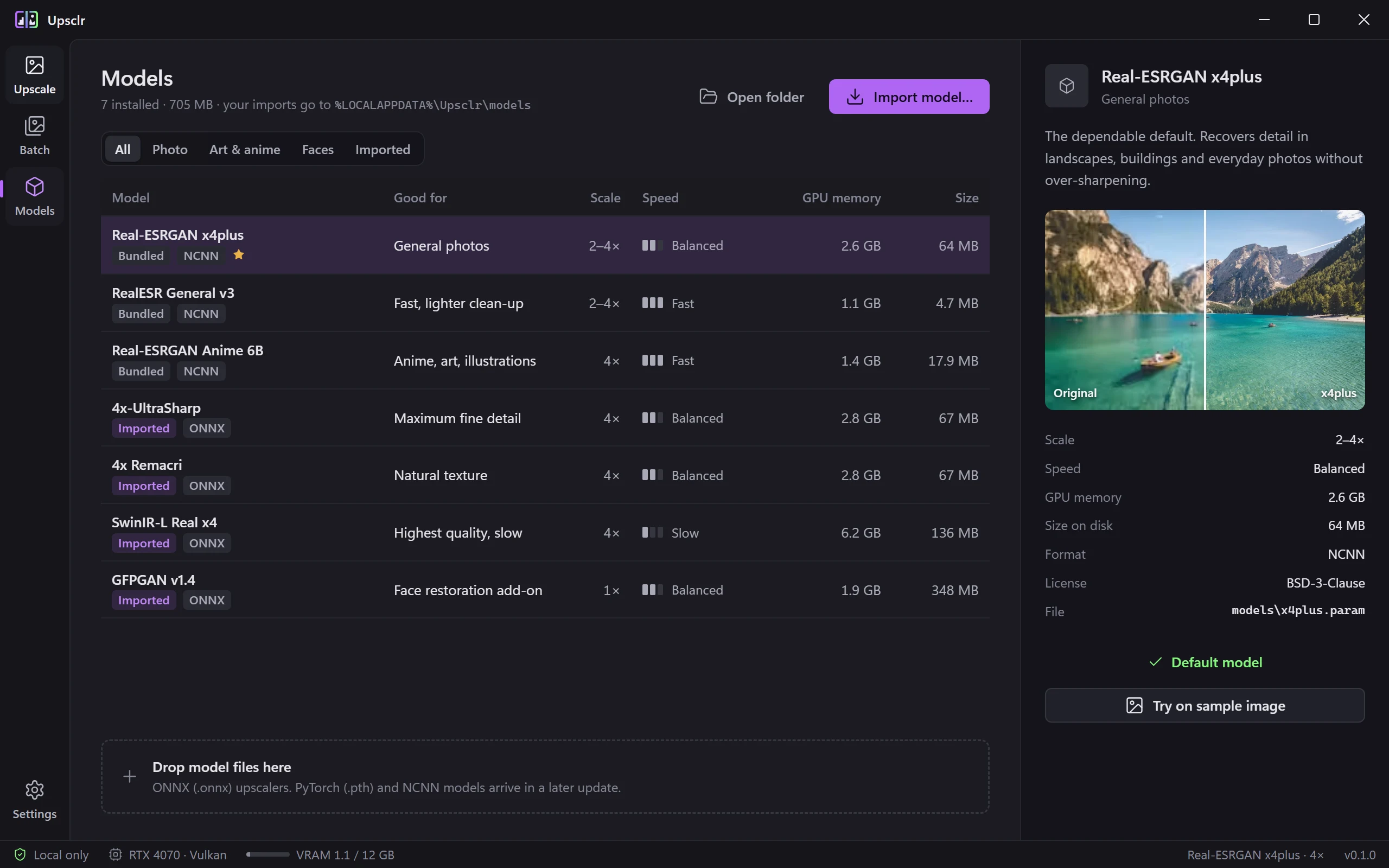
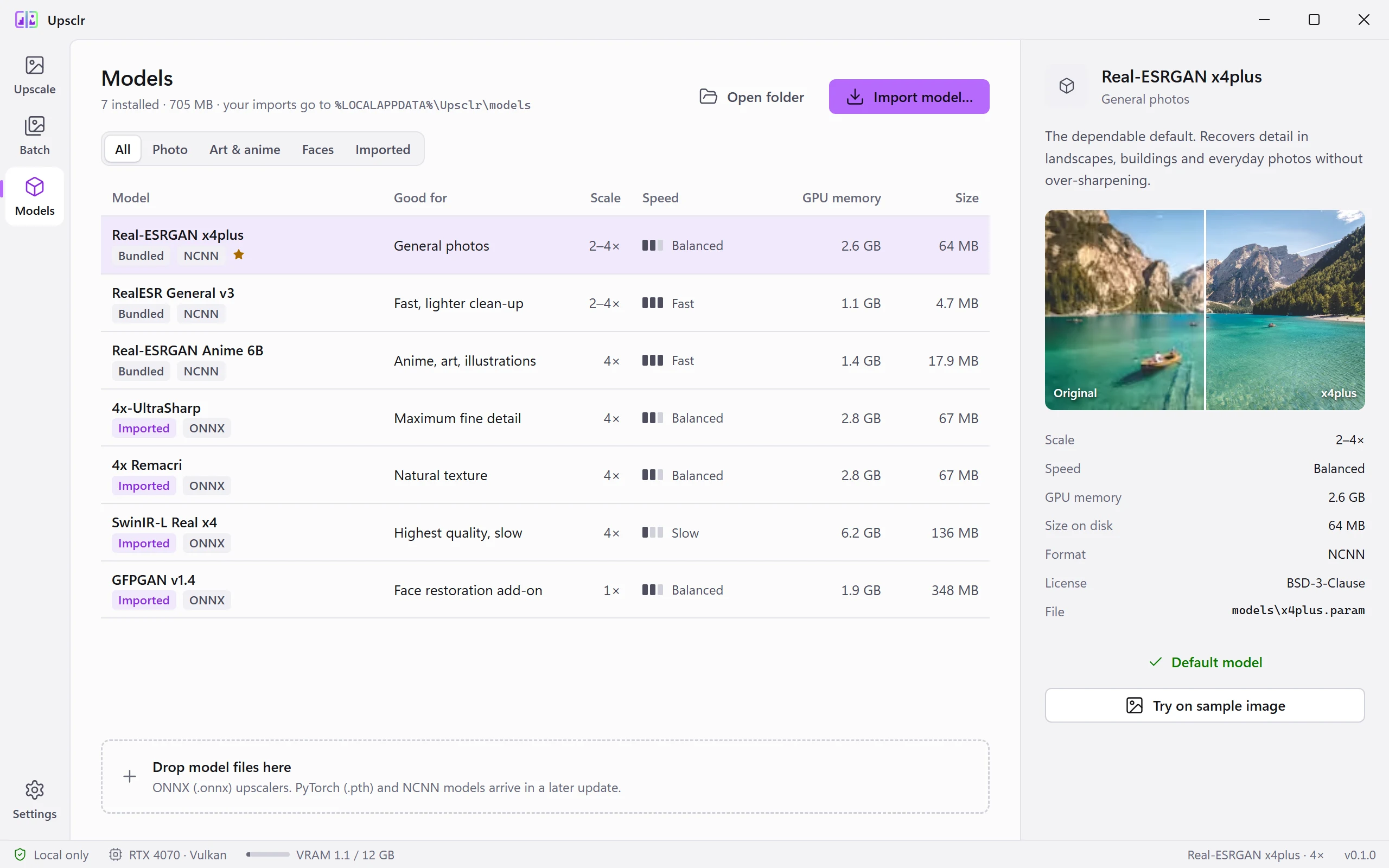
Bundled models ship in the installer; import your own by dropping the file on the Models view.
Real-ESRGAN x4plusDefault
General photos.
2 to 4×
RealESR General v3
Fast, lighter clean-up.
2 to 4×
Real-ESRGAN Anime 6B
Anime, art, illustrations.
2 to 4×
Real-ESRGAN x2plus
Gentle 2× for photos.
2×
GFPGAN v1.4
Face restoration add-on.
1×
.onnx
ONNX Runtime with DirectML on any DirectX 12 GPU, or the CPU.
yours
NCNN .param + .bin
Runs on the Vulkan backend.
yours
.pth / .pt / .ckpt / .safetensors
Converted to ONNX on import. RRDBNet, ESRGAN and SRVGG are built in; the optional converter pack adds about 30 more architectures.
yours
Real-ESRGAN: BSD-3-Clause. GFPGAN: Apache 2.0 (Tencent ARC). YuNet face detector: MIT.
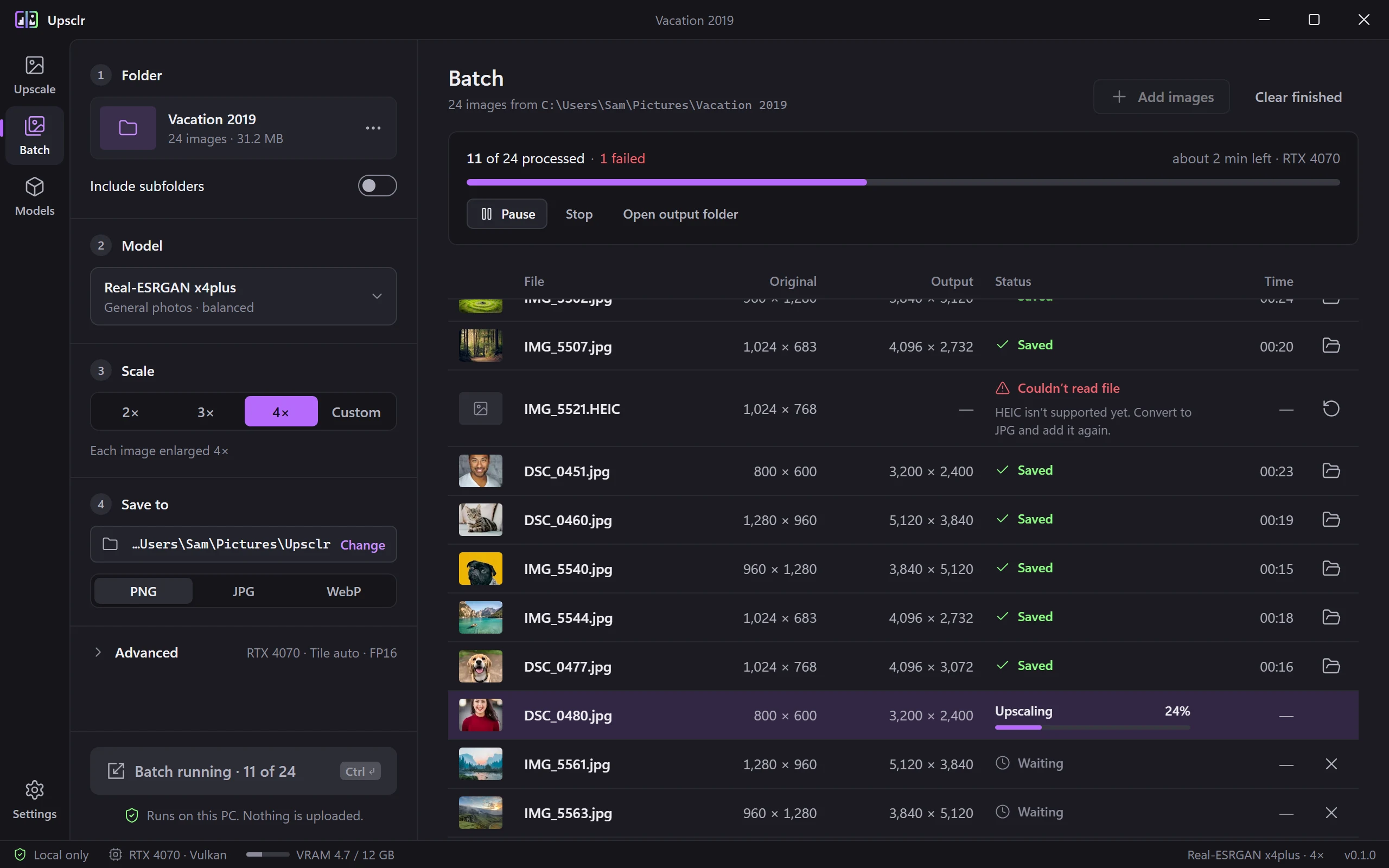
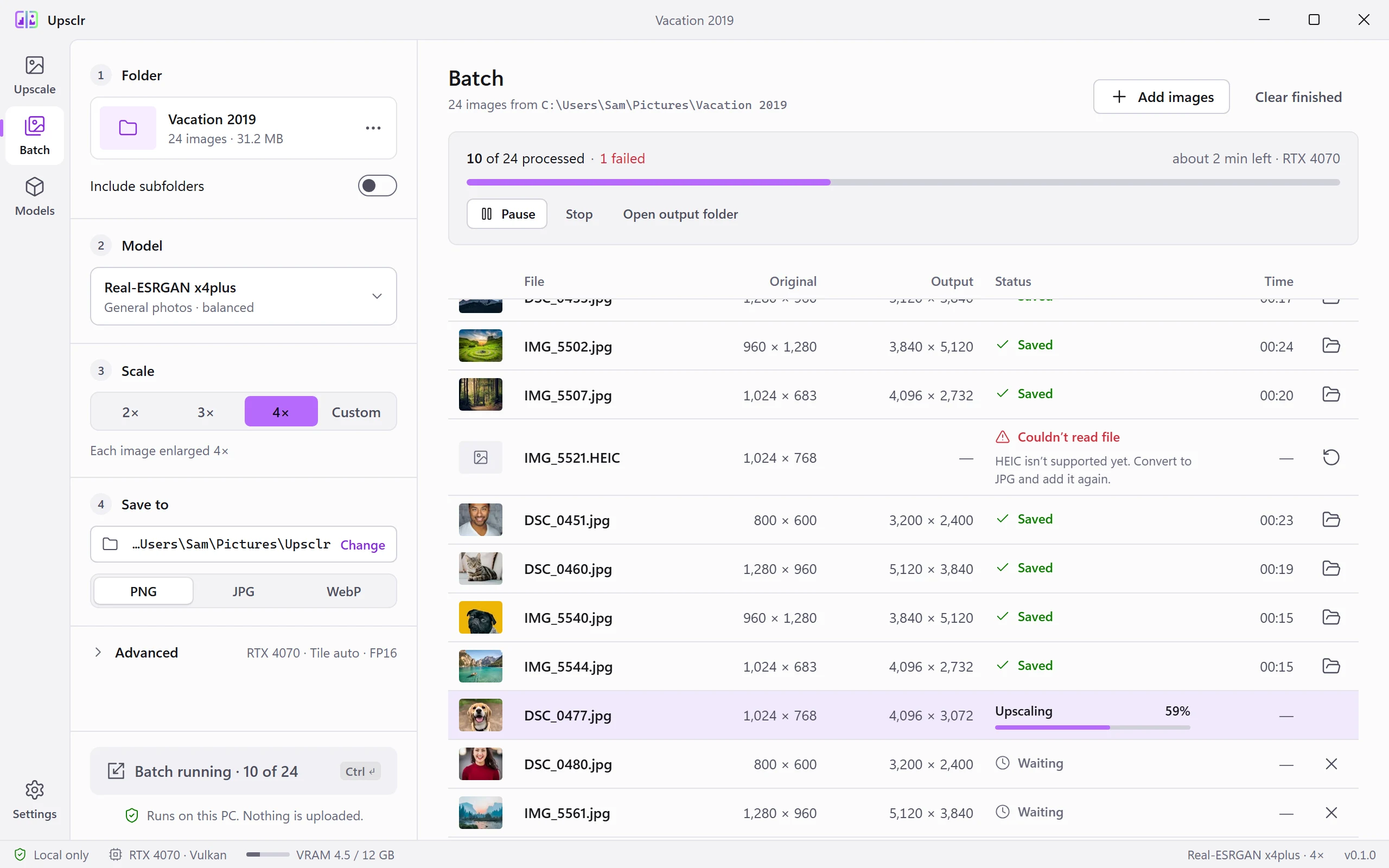
Upscl whole folders in one go
Drop a folder, or right-click it in Explorer and choose Upscale with Upsclr. Subfolders included. Each file keeps its name and lands in the output folder you pick.
- Done
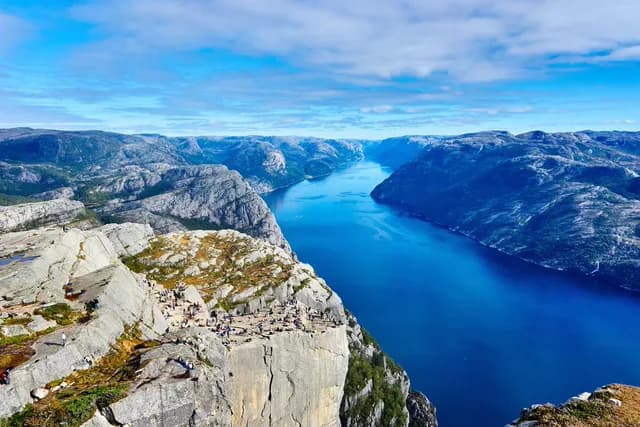
DSC_0412.jpg - Done
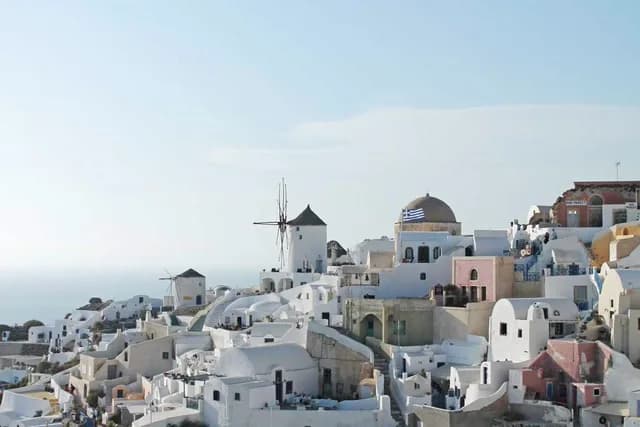
IMG_5502.jpg - Done

IMG_5517.jpg - Done
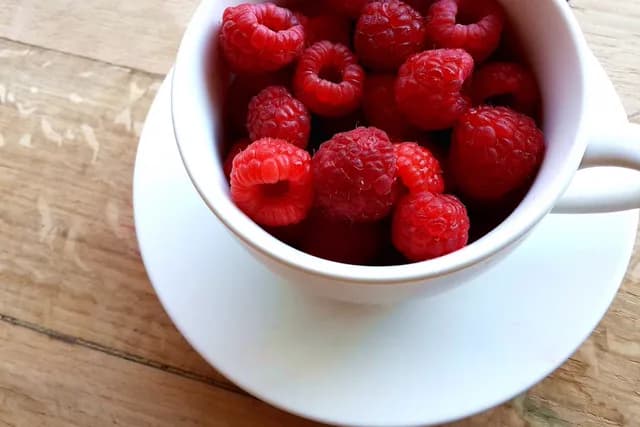
PXL_20250714_0931.jpg - Done
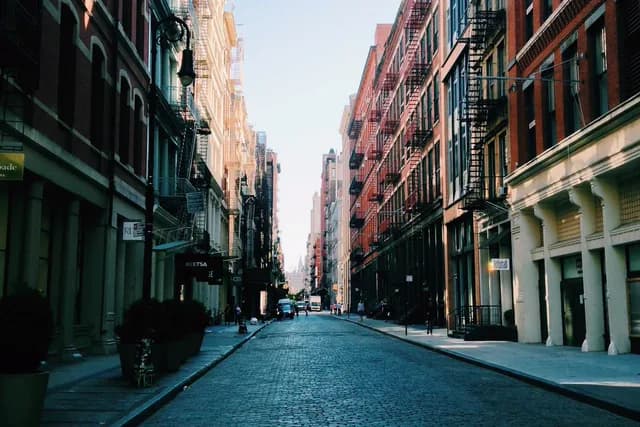
DSC_0433.jpg - Done
PXL_20250715_1802.jpg - Done
DSC_0451.tif - Working
IMG_5540.jpg - Queued
PXL_20250718_1127.jpg - Queued
DSC_0460.jpg - Queued
scan_0231.png - Queued
DSC_0478.tif
- Input
- PNG, JPG, WebP, BMP, TIFF; 16-bit and alpha supported
- Output
- PNG, JPG or WebP; EXIF and ICC kept
- Not yet
- HEIC; convert to JPG first
- From Explorer
- Right-click a folder or files and choose Upscale with Upsclr
- Output folder
- Any folder you pick; names are kept
Try Upsclr on your own Imgs
Download the installer, run it, and drop in an image. Free, with no account needed.
Download for Windows- Version
- 0.1.0
- Size
- About 350 MB
- Installs
- Per user, no admin rights
- Windows
- Windows 10 and 11, 64-bit
- GPU
- Any DirectX 12 GPU via DirectML, or Vulkan via NCNN. CPU works too, slower.
- Price
- Free
Measured on an RTX 4080 SUPER: a 1024 × 683 photo at 4× with x4plus takes about one second. On CPU, a 480 × 320 image takes about 25 seconds.